

- Describe
- Sketch
- Board
Example prompt: A Raspberry Pi display adapter for the VAIO P.

Example of an existing project, not live board generation.
Open-source hardware
Describe a board. The agent drafts it in real KiCad, and nothing lands until you approve it.
Free · v0.3.185 · macOS, Windows and Linux
Example prompt: A Raspberry Pi display adapter for the VAIO P.
Example of an existing project, not live board generation.
Toolchain
fabPlane bundles KiCad and works on your .kicad_pro
directly. No import, no conversion, and your files stay yours.
fabPlane team projects
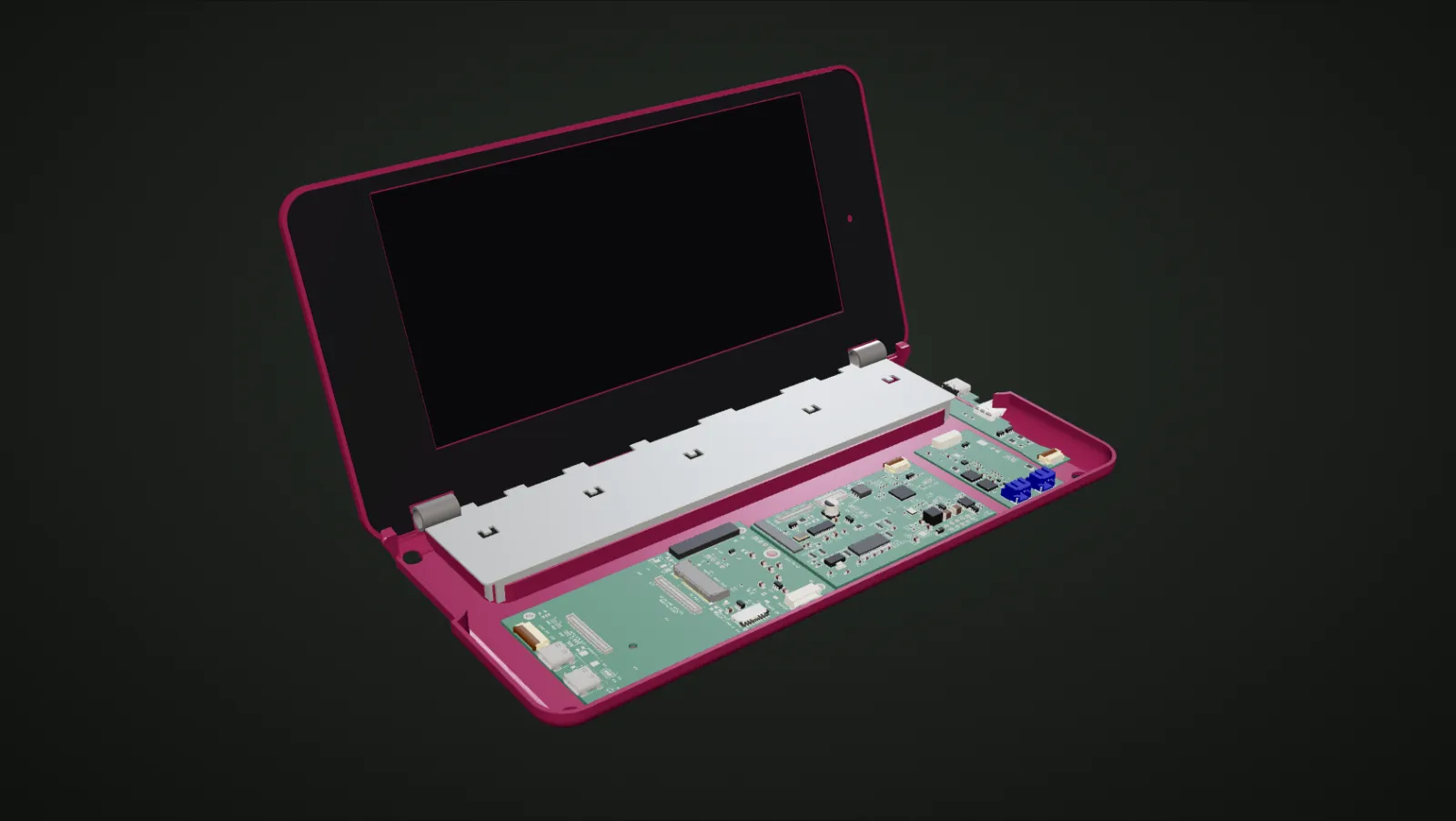
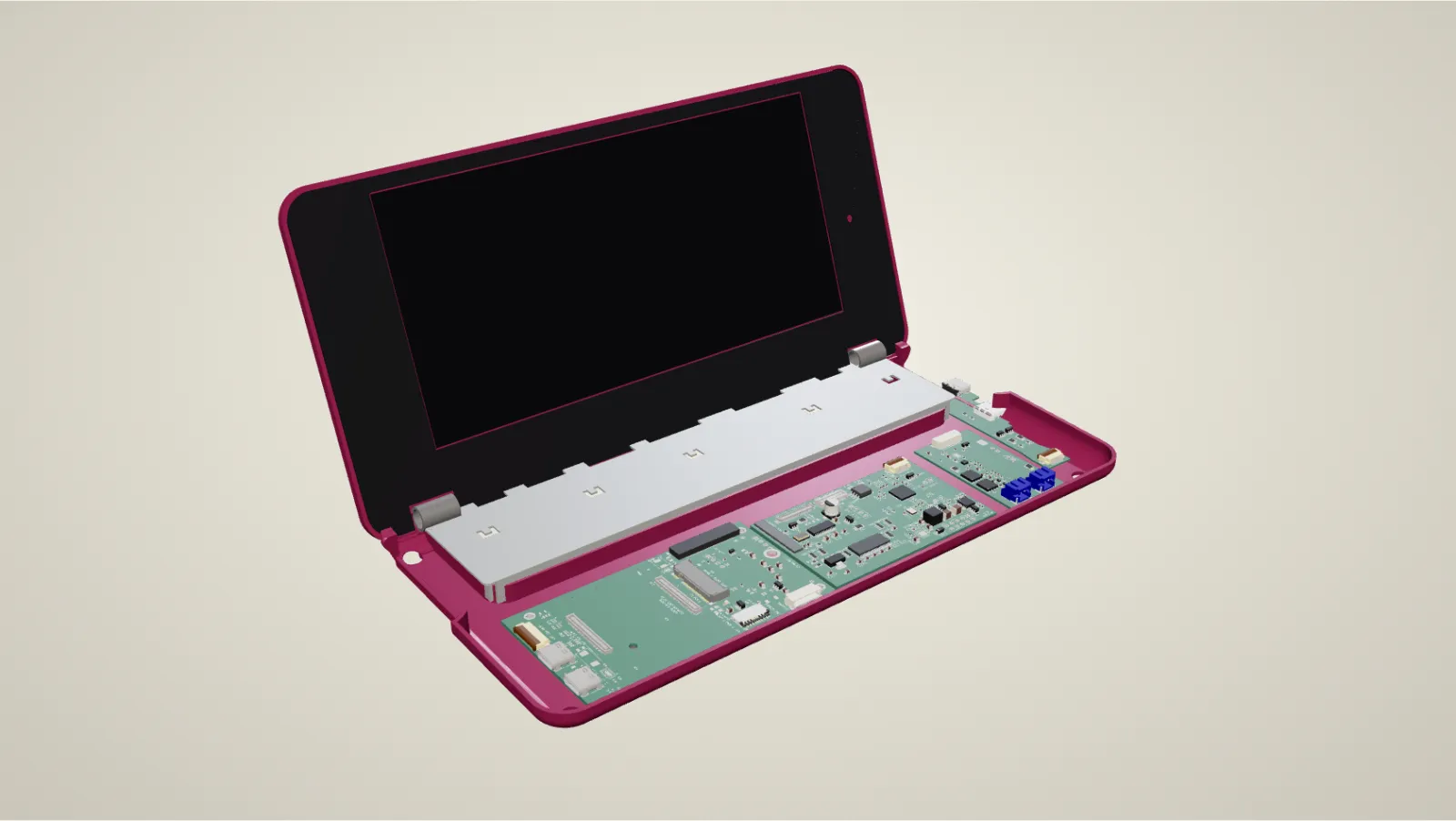
Placements illustrative
Laptop
We kept the chassis, the 1600 × 768 panel and the keyboard. Inside goes a Raspberry Pi Compute Module 5 on our own carrier board.
Inside
Carrier, display, battery and port boards, joined only by off-the-shelf cables with one-to-one pin order.
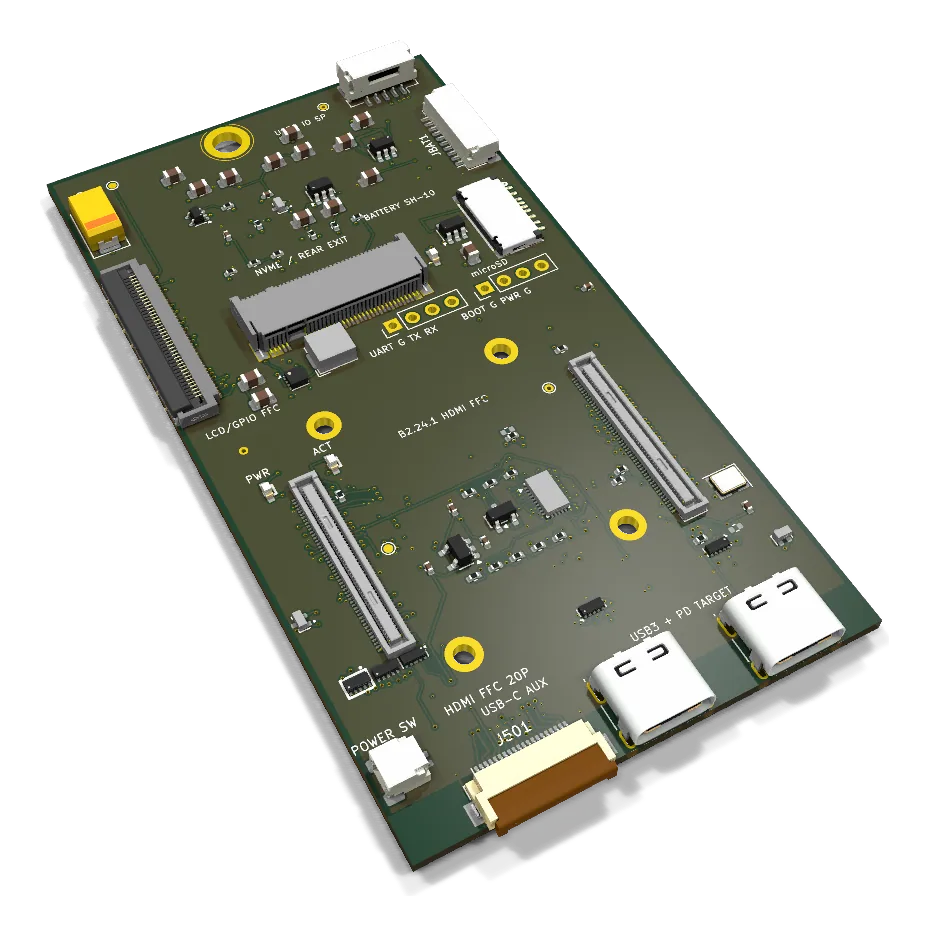
Carrier B2.28 · in fabrication
Display and Compute Module boot are proven on the bench. Every board, render and 3D model is public.
Read the buildThe carrier · VAIO P
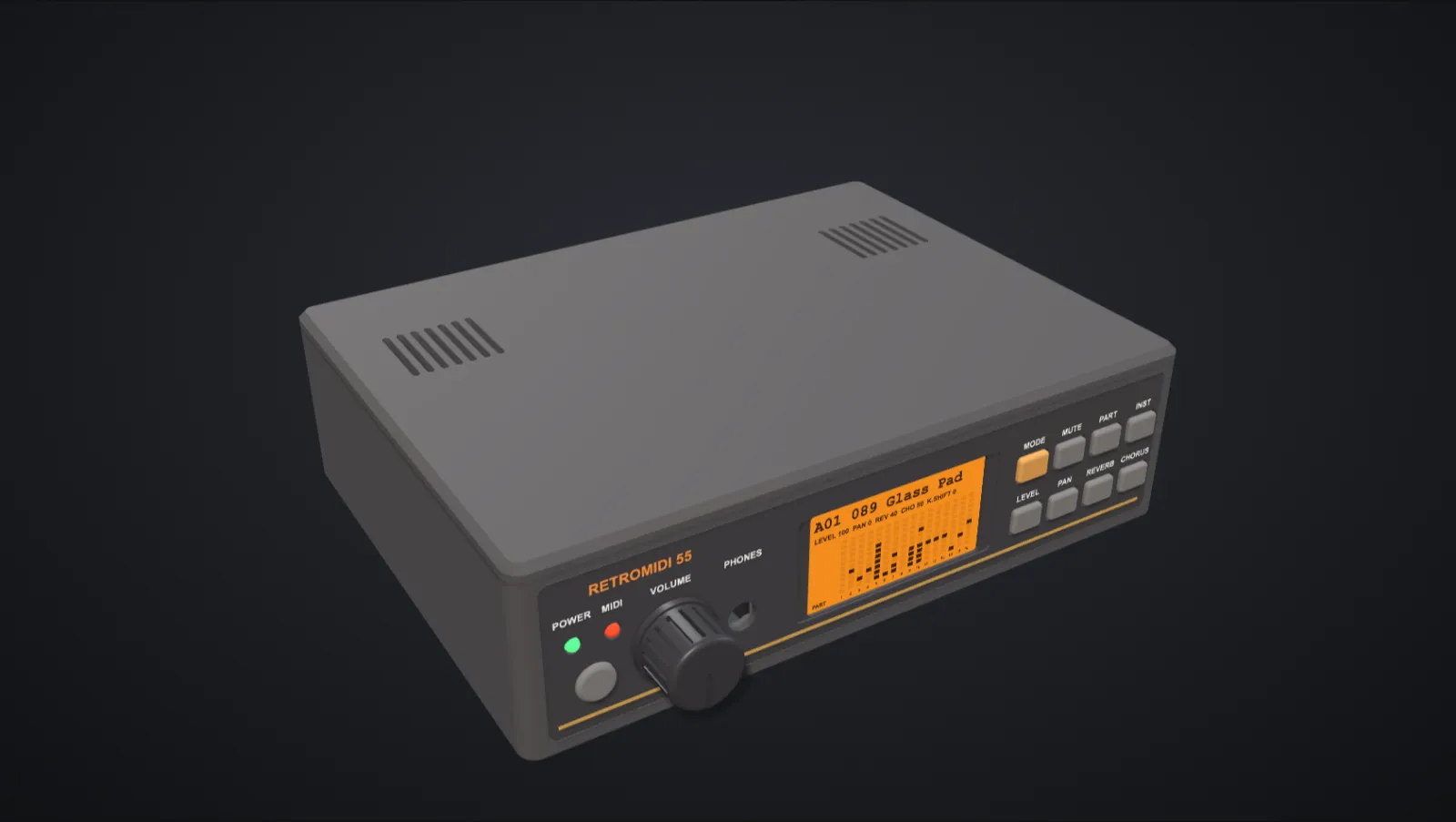
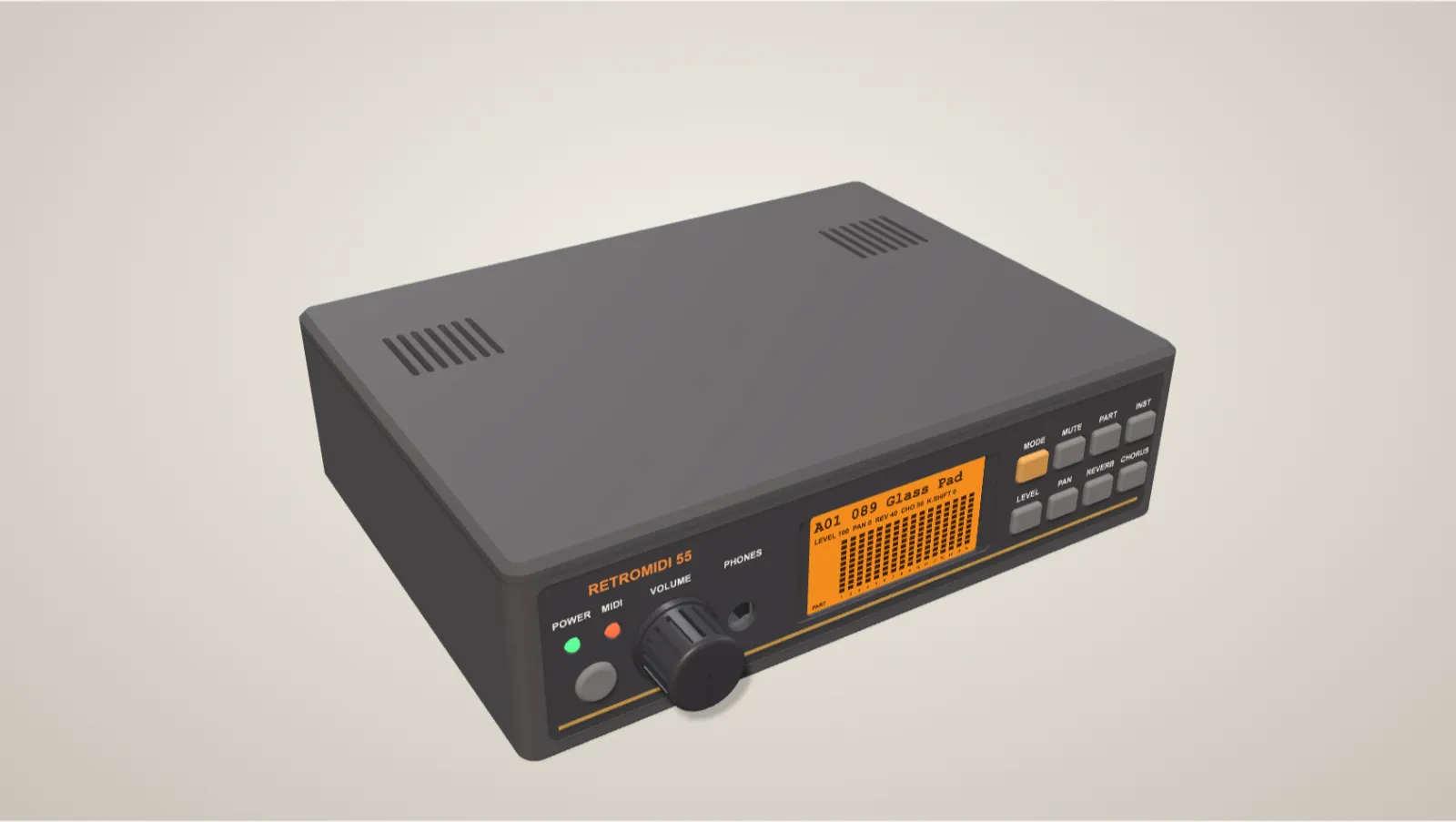
Enclosure v0.3
Sound module
MT-32- and SC-55-compatible when you supply your own ROMs, and a General MIDI module without them.
Rear panel
MIDI in, out and thru, audio in and out, and a DA-15 gameport for DOS-era PCs.
Enclosure v0.4-dev printed · boards not yet fabricated
Fit-checked with real-size board replicas before a single board is ordered.
Read the build
Designs awaiting bench tests
Console
Through the rear serial port, code and game data stream into RAM. Harvest Moon plays from data sent over Wi-Fi, on real hardware.
Controller port · working on real hardware
On 22 September a browser drove a real PlayStation menu: 17,913 controller polls, every button correct.
Memory-card slot · in design
An RP2040 board cut to a memory card's shape, with USB-C and a microSD slot for the saves.
Read the buildDesign copilot
The agent works inside your KiCad project with typed tools, not screenshots. Nothing is written until you accept it.
I reduced sleep current and added a load switch for the sensor.
TPS62740 Estimated life: 7.2 months
See how an RP2040 connects to a Super Nintendo cartridge.
No. Explore public projects in your browser. The desktop app is for designing and editing.
It bundles KiCad and works on your project files directly, so you can keep opening the same project in KiCad itself. Nothing is converted.
Some projects support local schematic edits. These don’t change the original PCB, 3D model or repository. Open a project to see its available views and editing options.
The original creators. Each featured project links to its source and license. Check that license before using or adapting a design; appearing in the catalog does not make all projects share the same permissions.
The app runs manufacturing checks and builds carts for your fab house and distributor, but review the original files, project notes and engineering requirements before ordering a board.
fabPlane for desktop
fabPlane 0.3.185 · released November 7, 2026 · release notes
Prefer the .deb? Get the .deb · All downloads and checksums


