

What it does
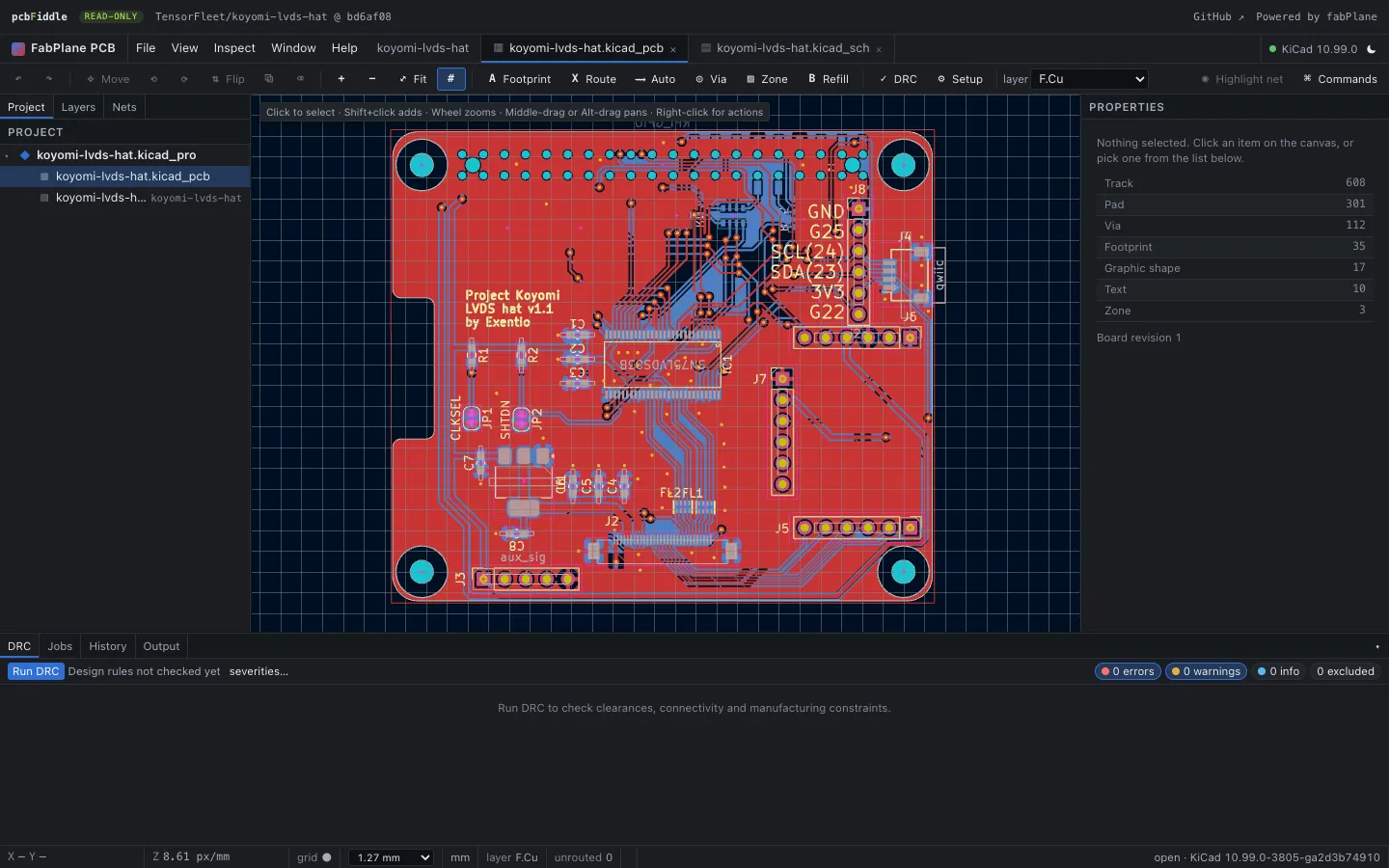
Anyone with a link can open a public hardware project in PCB Fiddle. It does for KiCad boards what a code playground does for snippets. A repo becomes a short, stable URL:
pcbfiddle.com/gh/TensorFleet/koyomi-lvds-hat
pcbfiddle.com/gh/owner/repo/@main/boards/hat.kicad_pcb
pcbfiddle.com/cb/NollKollTroll/OpenSpand
pcbfiddle.com/gl/sixxie/dragon64 /gh/, /cb/ and /gl/ mean GitHub, Codeberg and GitLab. After the repo name
you can add @ and a branch, tag or commit, then a path to one board file. The page shows the
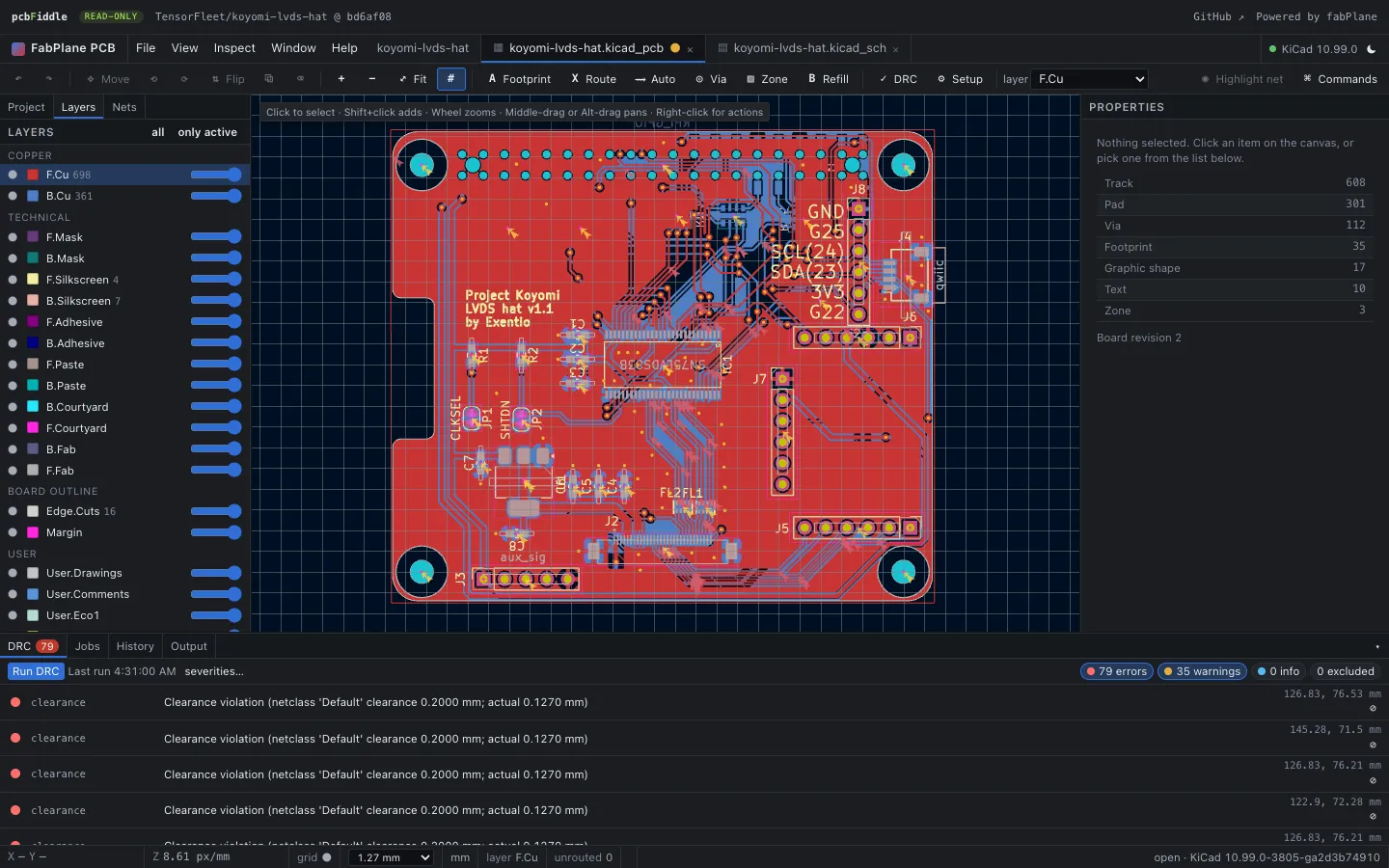
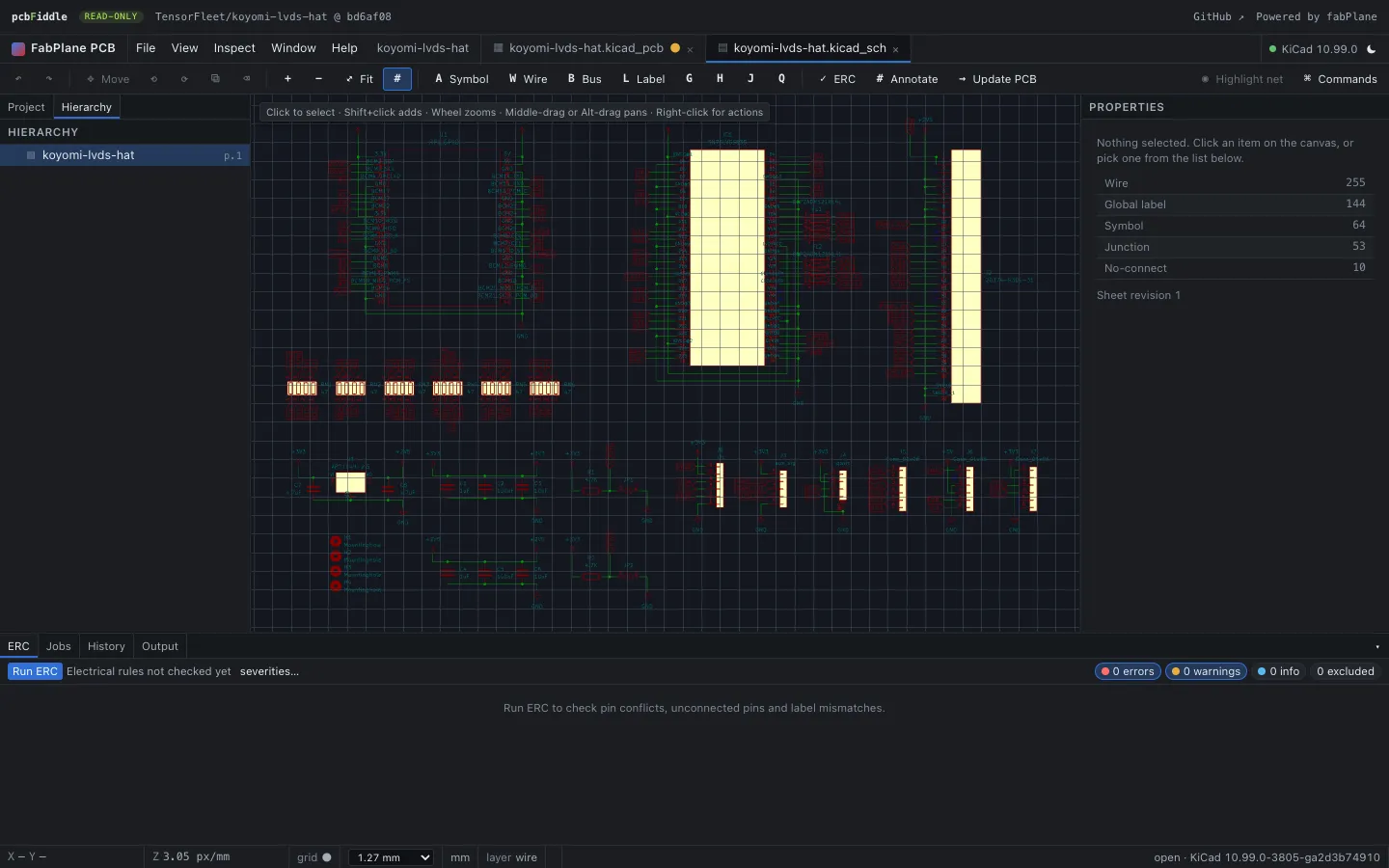
project tree, the PCB and the schematic in separate tabs, and panels for layers, nets and item properties.
You can also run DRC on the board or ERC on the schematic.
Formats
| Source | How it opens |
|---|---|
| KiCad | .kicad_pro, .kicad_pcb and .kicad_sch open natively. |
| Eagle | XML .brd files are converted to .kicad_pcb in the browser before the viewer starts. A banner lets you download the converted KiCad files. |
| EasyEDA Pro | .epro2 projects are converted the same way. If the git tree has no board, PCB Fiddle checks the
latest GitHub Release, where EasyEDA Pro projects usually live.
|
| Local files | Drop files on the home page. They stay in your tab and are never uploaded. |
How it works
The editor is KiCad. The viewer is the fabPcb
interface running on KiCad's engine compiled to WebAssembly. That is about a 34 MiB module, and it runs in a Web
Worker so the page stays responsive. The home page doesn't load it. It is fetched from
images.fabplane.com only when you open a board.
Each repo is cloned once. The first time a repo is opened, a Cloudflare Worker clones it and stores a snapshot in R2, keyed by commit SHA. It's the same bucket that holds fabplane.com's open-source catalog, so the two sites don't keep two copies of a repo. Later visits read that snapshot. Every night the Worker rechecks repos that were viewed in the last seven days and clones them again only if the branch has moved. Links pinned to a commit never change.
Links unfurl as 3D boards. When you paste a PCB Fiddle link into Slack, X, Discord or a GitHub issue, the preview card is a 3D render of the board. PCB to 3D draws it and stores it next to the snapshot, so each commit is rendered only once, whichever site asks first.
Static first. Pages and viewer slugs are served as static assets from Cloudflare's CDN. The Worker runs only for the clone-on-miss API, preview images and the nightly refresh.
How to use it
- Go to pcbfiddle.com. Paste a repo URL such as
github.com/owner/repo, or pick one of the catalog boards. - To open a repo straight away, change the URL: replace
github.comwithpcbfiddle.com/gh. - For files on your computer, drop
.kicad_pro,.kicad_pcb,.kicad_sch,.brdor.epro2files on the home page. - Use the tabs to switch between the PCB and the schematic. The Layers and Nets panels, DRC and ERC work on the loaded design.
- To share the board, copy the URL. Add
@<commit>if the link should keep showing that exact revision.
PCB Fiddle is read-only for now: it opens and inspects designs, but doesn't save edits back to the repo. Editing through the same KiCad engine is planned for a later release.