

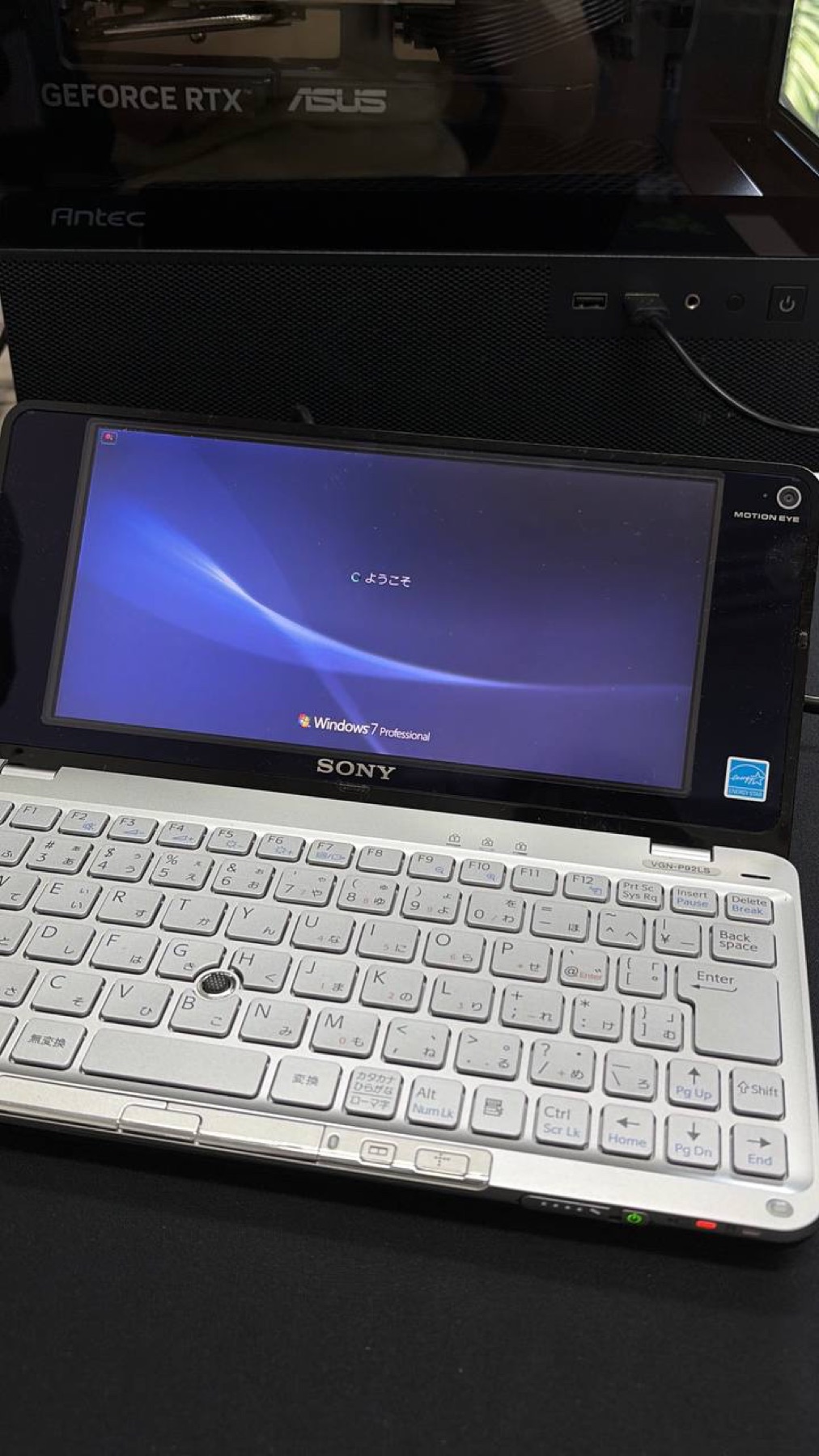
Before we removed a single board, we booted the donor and recorded what still worked. This Japanese-market VAIO P runs Windows 7 Professional, complete with the original keyboard layout and Sony hardware behavior.
That working system is our baseline for the CM5 rebuild.
Why keep a Windows baseline
The final CM5 machine is expected to run Linux, but the Windows installation can answer questions that photos cannot. It gives us a reference for:
- keyboard behavior
- pointing-stick behavior
- display brightness
- speaker and headphone output
- battery reporting
- side I/O behavior
- factory driver state
If the rebuilt machine feels wrong later, this is what we can compare it with.
Before teardown
For another donor machine, we would record these details before opening it:
- model number and region
- BIOS version
- Windows edition
- device manager screenshots
- working and non-working keys
- pointing-stick behavior
- battery charge state
- display brightness range
- speaker and headphone behavior
This is also the best time to note faults. A key or speaker that was already broken should not become a mystery during CM5 bring-up.
Recovery media
We also want a disk image or recovery media before removing the original storage. The aim is not to keep using the Atom system forever. It is to preserve a known-good test environment.
That matters if a connector, cable, panel, keyboard, or side board needs to be tested again outside the CM5 rebuild.
Driver notes
Driver versions and Device Manager screenshots belong beside the teardown photos and measurements. They explain how Sony wired features that may otherwise look like anonymous connectors after disassembly.
The target is not merely a laptop that boots. It should retain the useful details that made the original VAIO P feel coherent.